Give Your AI Assistant a Job, Not Just Access
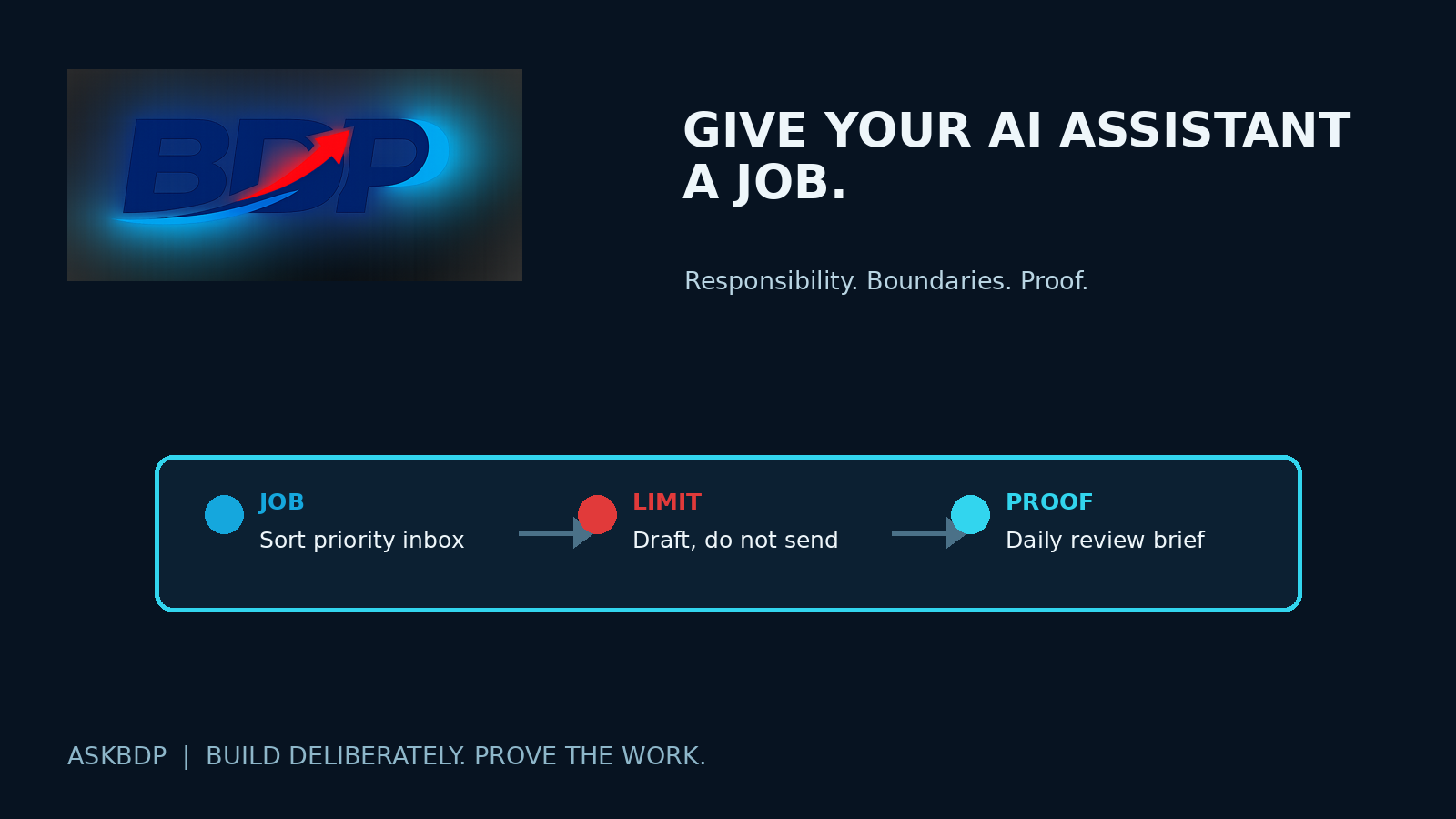
Connecting an AI assistant to your inbox, calendar, and files can feel like a big step. It is a step. But access is not a job description.
Without a defined job, the assistant sees a lot and knows very little about what matters most. It may summarize messages, surface appointments, and suggest tasks. That can be useful. It can also leave you with another feed to review while the real work still waits for a decision.
Start with one job that creates a real drag on your week. Give it a lane, a standard, and a way to show you the work is complete.
Start with the pressure point
Pick a recurring problem that is specific enough to recognize. Maybe your inbox has become the place where customer follow-up, meeting requests, and random noise all land together. Maybe meetings create notes and promises, but the next steps never make it onto a usable list. Maybe your calendar is full before anyone has checked whether the week can actually carry the work.
Those are different jobs. An assistant cannot do all of them well from one vague instruction like, “Help me stay organized.”
For the first job, name the outcome. A useful assignment might be: “Each weekday morning, sort new messages that need my judgment, prepare replies for the routine ones, and give me one short list of commitments that need action this week.” That is clearer than asking it to manage the inbox. It tells the assistant what to look for and tells you what you should receive.
Set the order of importance
An assistant needs priorities, not just data. Tell it what rises to the top and what can wait.
That might mean naming the messages that require a same-day look, the people or projects that should never be buried, and the kinds of requests that can wait for a regular review. It can also mean giving it a simple test: work tied to an existing customer commitment comes before newsletters, promotions, and general reading.
Priorities will change. Update the rule when they do. Connected tools can show activity, but they cannot decide what matters unless you teach them how you make that decision.
Draw the permission line
An assistant may be allowed to identify messages, draft replies, create a task list, or put a proposed appointment on a calendar for review. Those are not the same as sending a message, accepting a meeting, changing a customer record, deleting information, or publishing something to the public.
Write the line in plain language: “You may sort incoming messages and prepare replies in drafts. Do not send email, accept or move appointments, remove subscriptions, or change contact records without my approval.”
Clear permission makes it safer to delegate and easier to spot when the assistant needs a decision from you.
Decide what comes back for approval
Suppose the assistant sees an email asking for a meeting next week. Its job could be to check the calendar, prepare a response with two available times, and place the message in a review folder. You still decide whether the meeting fits the relationship, capacity, and purpose of the week. The assistant did the legwork. You kept the judgment.
The same rule can apply to a follow-up sequence, an event notice, a website change, or a request to update contact information. Tell it whether you want a draft, a recommendation, a task ready for approval, or a completed action. Do not make it guess.
Give the job a cadence
A good assistant job has a rhythm. “Watch the inbox” is open-ended. “Send me a weekday morning priority brief and a Friday list of unfinished commitments” gives the work a beat.
Urgent customer requests may need a same-day flag. Meeting promises may need a check after each meeting. The goal is to make sure important work returns at a time when you can act on it.
Ask for proof, not a promise
Do not call the job done because the assistant says it handled it. Ask for the evidence that lets you verify the result.
For an inbox job, that might be a list of messages marked for your attention, replies waiting in the drafts folder, and a record of what was intentionally left alone. For meeting follow-up, it might be the notes, the promised actions, the owner for each action, and the due date. For a calendar review, it might be the conflicts found and the changes proposed, not silently made.
If the evidence is hard to review, the assignment is probably still too vague.
Start small enough to learn
Pick one job. Run it for a week. Review what the assistant brought back, where it needed context, and where it crossed into judgment that should stay with you. Then tighten the instructions or expand the job carefully.
If you later add more AI help, coordination still matters. Make sure the work shares one current plan. But the first move is simpler: give one assistant a real job, clear boundaries, a regular cadence, and a way to prove what happened.
The next move is to write down one task you are tired of carrying. Define what good looks like, what it may not do, when you want to see it, and what proof you need. Then hand off that job, not just the keys to the building.